✨ New Arrivals Just Dropped!Explore

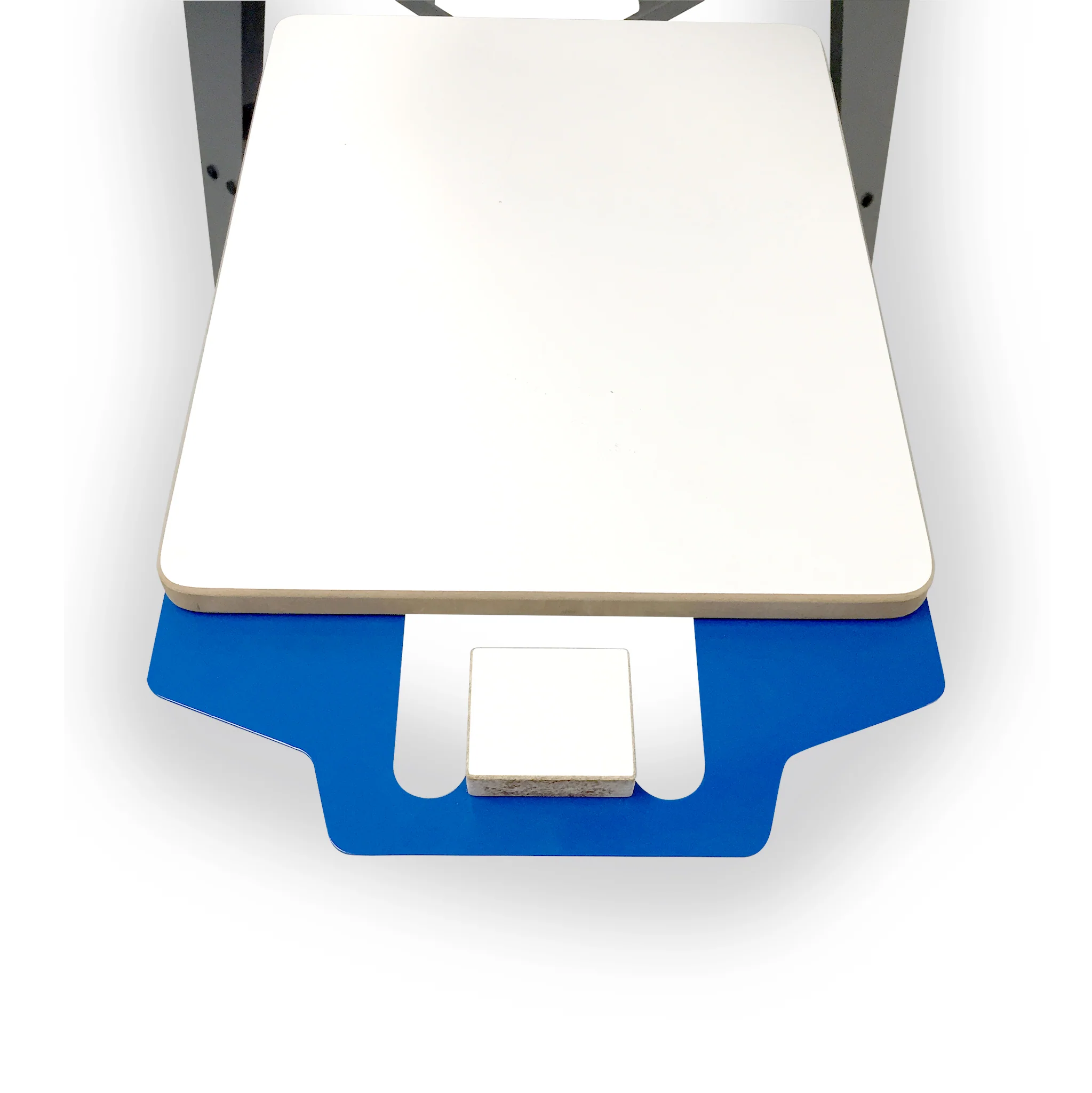
Screen Printing Tag Platen
Print Your Own Neck Tags With The Screen Printing Tag Platen
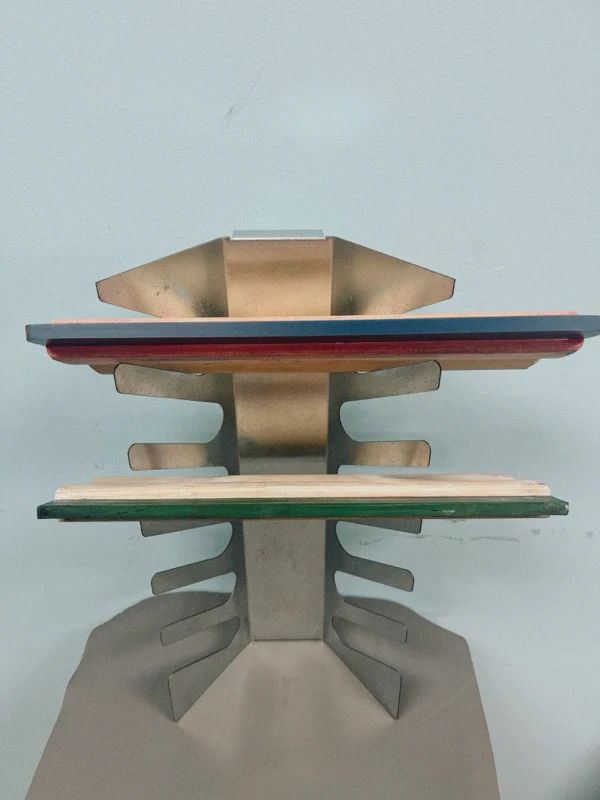
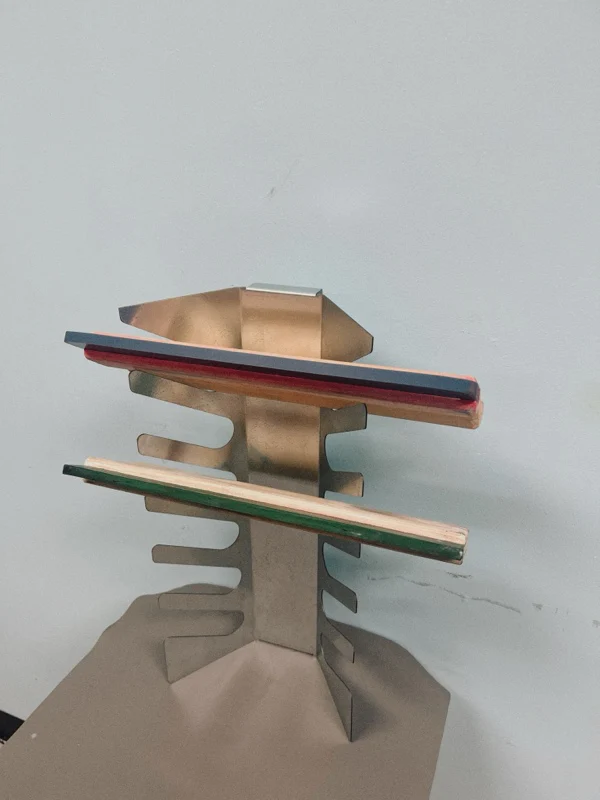
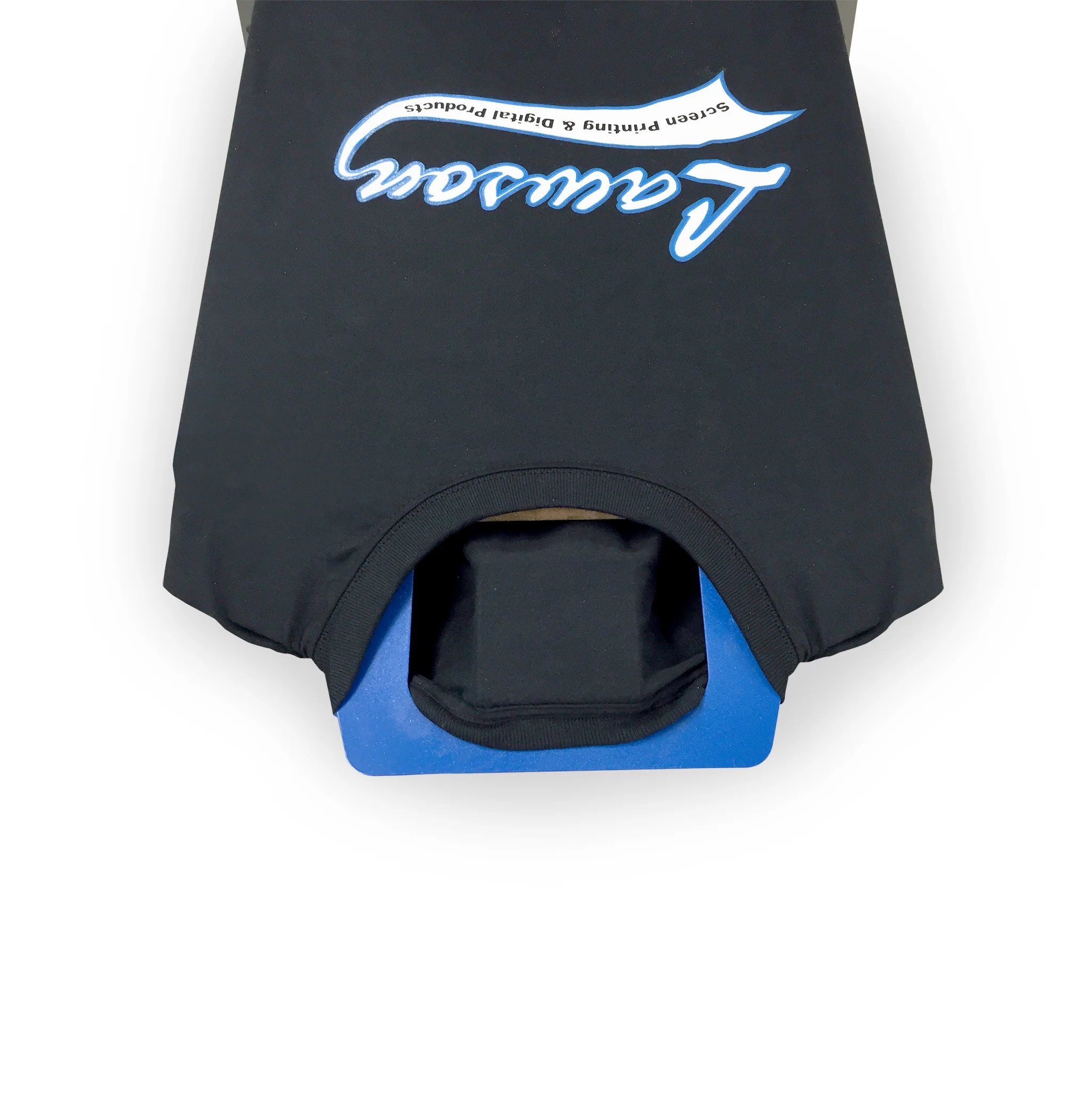
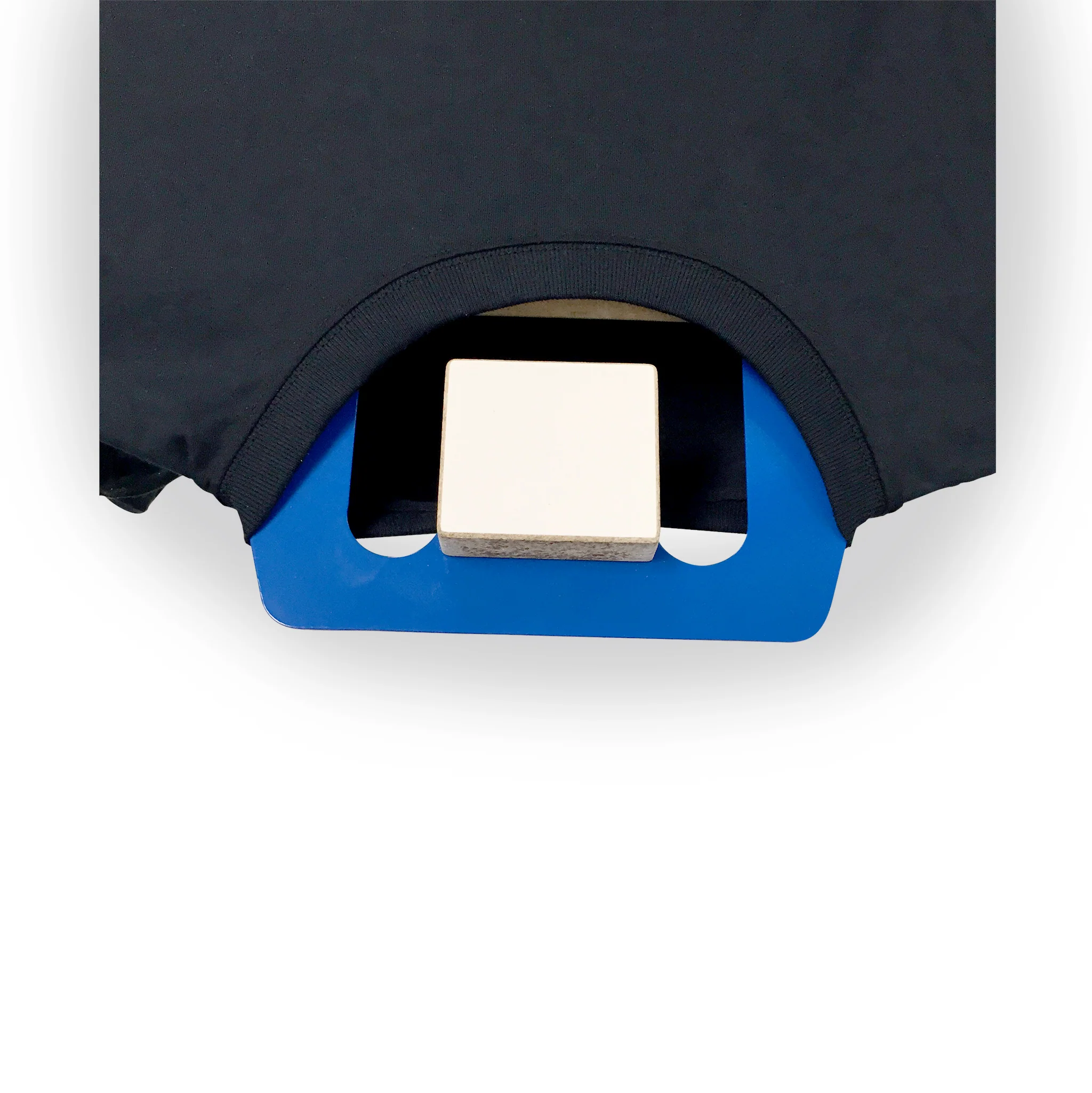
Screen print your own logo onto a t-shirt with the tag platen. This platen attaches to your existing platen so you can manually screen print your own logo, name or design on the neck tag of a t-shirt.
How to Use:
- Attach the tag platen to the underside of your wood or composite platen using screws. When attaching, make sure to leave enough space between the tag platen and your standard platen so you can pull the shirt neck through.
- Load your shirt in the traditional manner onto the regular platen.
- Pull the back of the neck up and through the gap between the regular platen and the neck platen. Pull the color over the top of the tag platen.
- Lower your screen and print your tag.
$99.00
Original: $330.00
-70%Screen Printing Tag Platen—
$330.00
$99.00More Images
Screen Printing Tag Platen
Print Your Own Neck Tags With The Screen Printing Tag Platen
Screen print your own logo onto a t-shirt with the tag platen. This platen attaches to your existing platen so you can manually screen print your own logo, name or design on the neck tag of a t-shirt.
How to Use:
- Attach the tag platen to the underside of your wood or composite platen using screws. When attaching, make sure to leave enough space between the tag platen and your standard platen so you can pull the shirt neck through.
- Load your shirt in the traditional manner onto the regular platen.
- Pull the back of the neck up and through the gap between the regular platen and the neck platen. Pull the color over the top of the tag platen.
- Lower your screen and print your tag.
Product Information
Product Information
Shipping & Returns
Shipping & Returns
Description
Print Your Own Neck Tags With The Screen Printing Tag Platen
Screen print your own logo onto a t-shirt with the tag platen. This platen attaches to your existing platen so you can manually screen print your own logo, name or design on the neck tag of a t-shirt.
How to Use:
- Attach the tag platen to the underside of your wood or composite platen using screws. When attaching, make sure to leave enough space between the tag platen and your standard platen so you can pull the shirt neck through.
- Load your shirt in the traditional manner onto the regular platen.
- Pull the back of the neck up and through the gap between the regular platen and the neck platen. Pull the color over the top of the tag platen.
- Lower your screen and print your tag.